Practical Basketball
Learn the controls, diagnose a missed dunk and choose a build for the role you actually play.
Independent player guide. Sources reviewed November 22, 2026.
- Driving dunk · keyboard
- Shift + Space
- Standing dunk · keyboard
- Hold Space
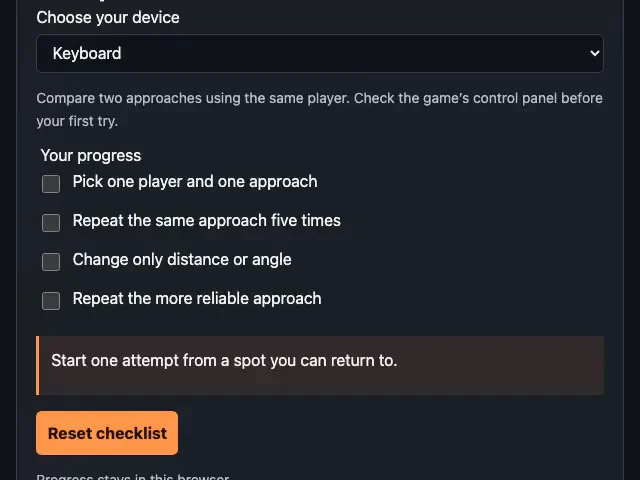
Dunk practice checklist
Progress stays in this browser.
Guide chapters
Dunk practice at a glance
 Play demoClose demo
Your first session
Use the practice area if it is available in your current version. Get comfortable with sprinting and coming to a stop, then make a stationary shot and try one driving finish. Use one player throughout. Keeping the same build gives you a baseline before you adjust attributes or animations.
Controls by device
- Keyboard. Two public walkthroughs agree on Shift + Space for an approach dunk and hold Space near the rim for a standing dunk. Use the current control panel to confirm your setup.
- Controller. The same guide pairs RT/R2 with Y/Triangle on the approach. Check your layout and prompts.
- Touch. Start with the buttons visible on your device. Confirm a stationary attempt first and then test on the move.
Shooting and finishing
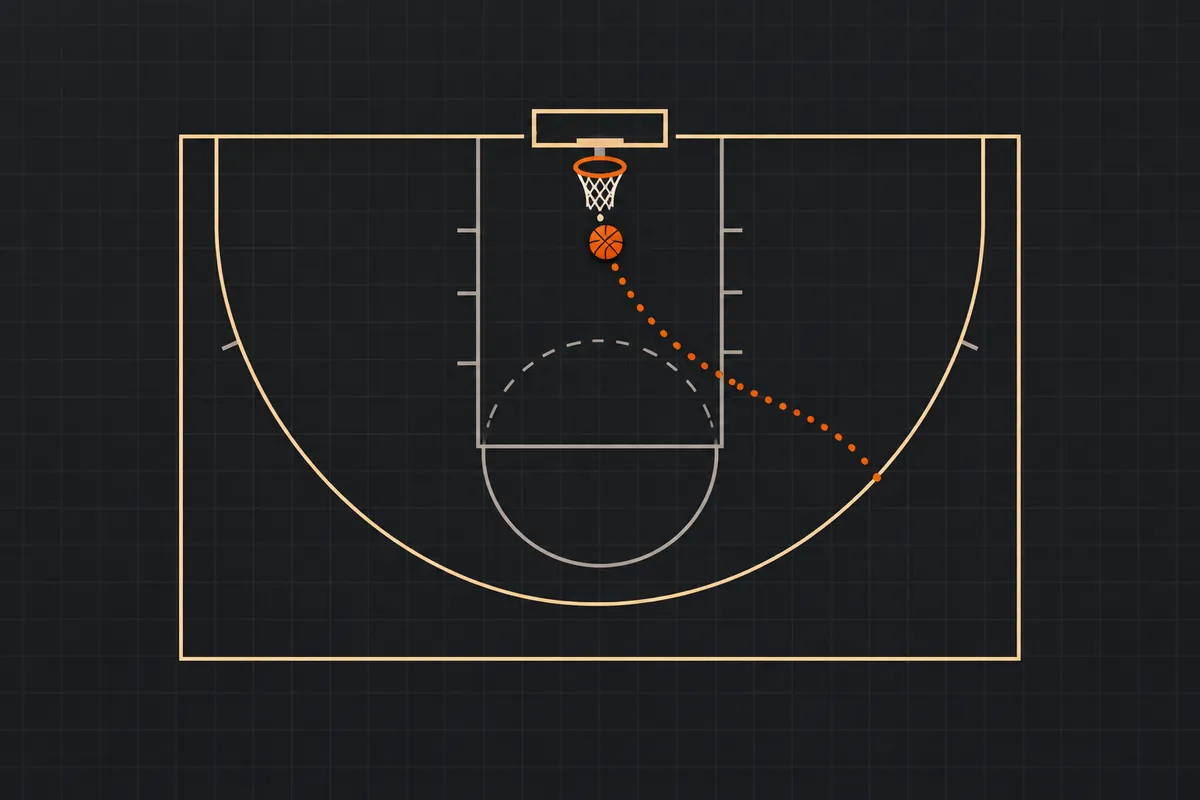
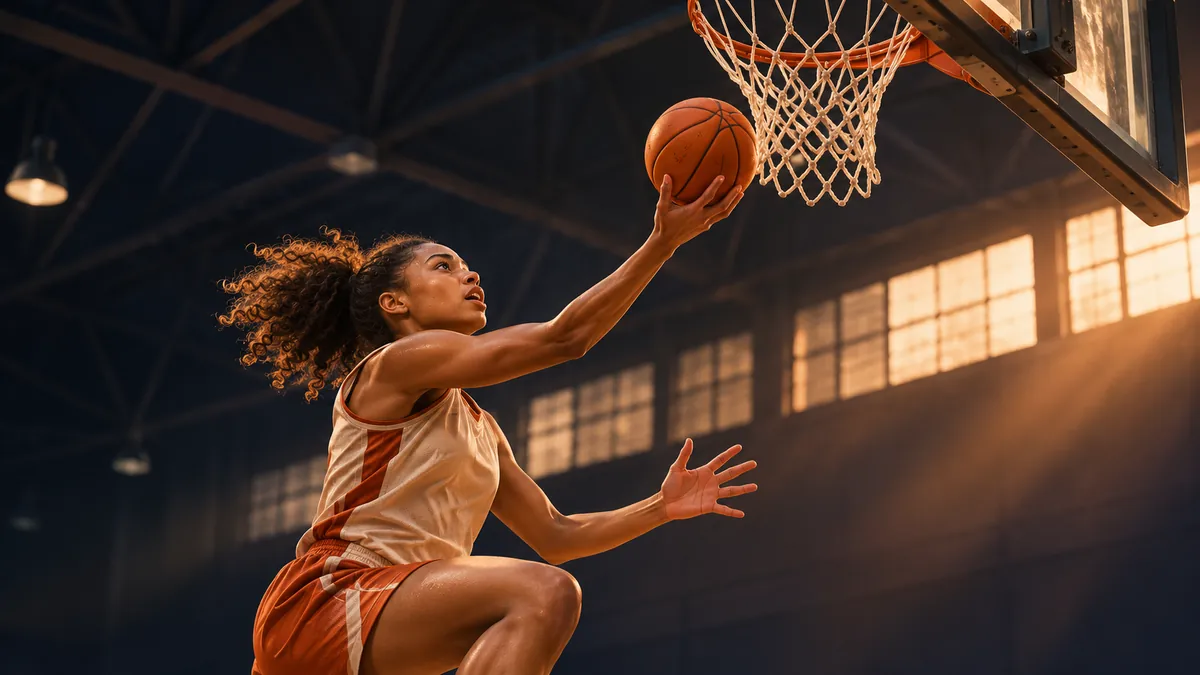
Find a repeatable timing cue on a standing shot. Repeat from the same spot and watch the release feedback. When that feels consistent, add one moving attempt. At the rim, track which animation starts before adjusting your release. A layup points to a different issue from a dunk that starts and misses.
Dribbling and passing
Start with one direction change, then stop under control. Add a second move only once you can repeat the first. For passing, find an open teammate early and check the target before you commit. Practice an alley-oop with a partner so you can separate the pass timing from their finish.
Builds and badges
Pick one job first. A primary handler needs a repeatable way to create space. A wing can start with off-ball scoring and perimeter defense. A big can start with screening, rebounding and finishing. Check each badge requirement in the current builder before committing points. Write down the badge and attribute you are aiming for.
For example, TechWiser’s August shooting guard setup spends heavily on mid-range and three-point shooting and very little on dunks. Use that tradeoff to decide if a build fits how you want to finish. Compare the required badges in your current builder.
Codes and updates
Check the game listing and its linked announcements for developer-posted codes. Match spelling exactly and use the redemption menu shown in your build. If a reward fails, check whether you have already claimed it and whether it has expired.
When a move fails
- Shot starts instead of a dunk. Return to the same starting spot and confirm the input, movement state and finish prompt.
- Dunk starts but misses. Keep the approach fixed and compare the release feedback.
- Control feels different after an update. Open the control panel and test once in a quiet session. Record your device and layout before changing your build.